

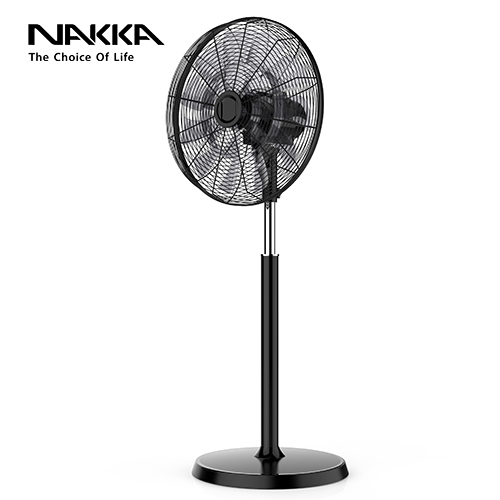
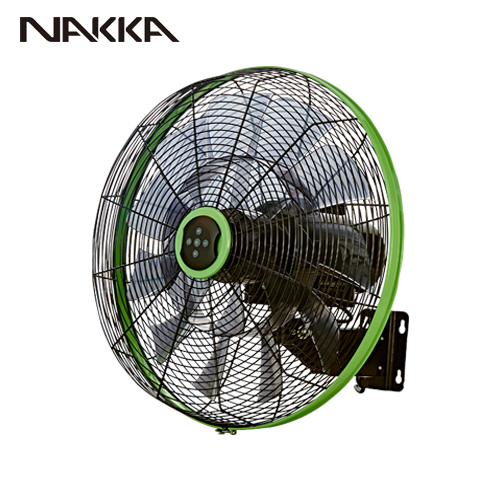
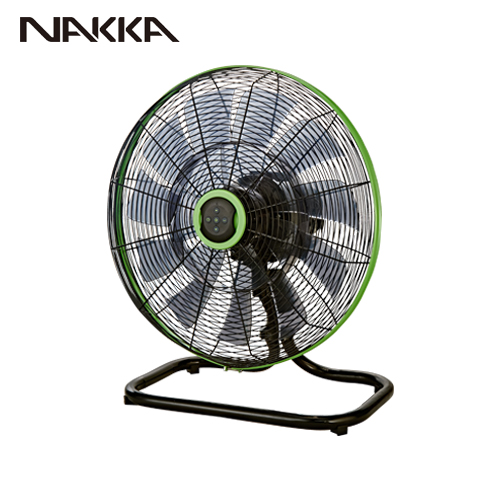
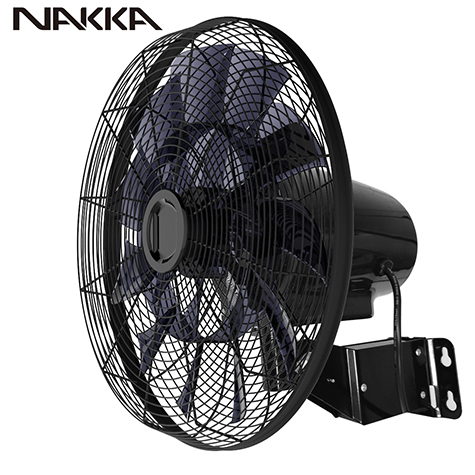
Currently, there are many home appliance on the market that claim to offer intelligent control, not to say the electric fan as the very important product in the summer and the most significant in some countries. Unlike traditional fans, these so called smart fans allow you to use them hands-free. Similarly, NAKKA self-developed Intelligent BLDC motor fan can also meet your requirements for intelligent control. Let's take a look together at how smart NAKKA BLDC fan is.
1. NAKKA fans can be controlled by RF433 remote control
The remote control of NAKKA is not an ordinary infrared remote control. NAKKA uses wireless remote control, with a frequency band of RF433 Hz. Compared to infrared remote control, RF remote control has a shorter range and requires aiming at the device for control. However, the control distance of RF remote control can reach up to 8 meters and is not affected by objects or walls. For example, if you want to turn off the Yuyin smart fan in the living room from your room, you can do so with a remote control if the range is around 8 meters. Moreover, the NAKKA smart fan allows one remote control to control up to 10 fans, thus reducing the complexity of use. Especially if using the fans in the restaurant or in factory, we just need one remote control, then we could turn on all the fans, and switch to different mode.
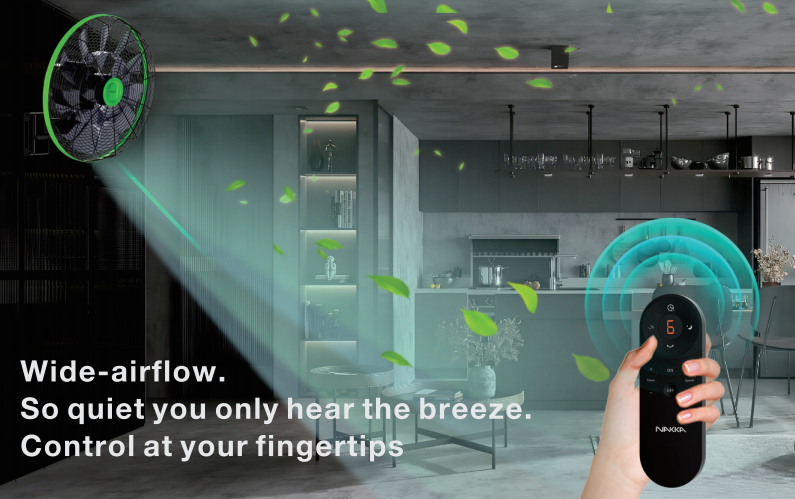
1) NAKKA Remote control pairing method:
The remote control of NAKKA requires a one-to-one pairing between the remote control and the wifi fans. Usually, we have already helped consumers complete the pairing at the factory. Pairing method: Turn off the fan power, wait for 10 seconds. Turn on the fan power again, and after hearing a "beep" from the motor, press the "ON" button on the remote control three times quickly. After pressing three times quickly, continue to press and hold until you hear a long "beep". This proves that the fan and remote control have been successfully paired.
2. NAKKA fans can be controlled through a mobile APP
The NAKKA smart control wifi fan can be paired with a wifi module. Once installed, the fan can be connected to a mobile phone via apps like Tuya and Smart Life. This allows us to control the fan through a mobile app. As long as there is wifi in the fan's environment, we can control and monitor its status even when we are not at home. For example, if we are in a hurry to leave today and forget whether we turned off the fan, we can open the Tuya app and remotely turn it off.
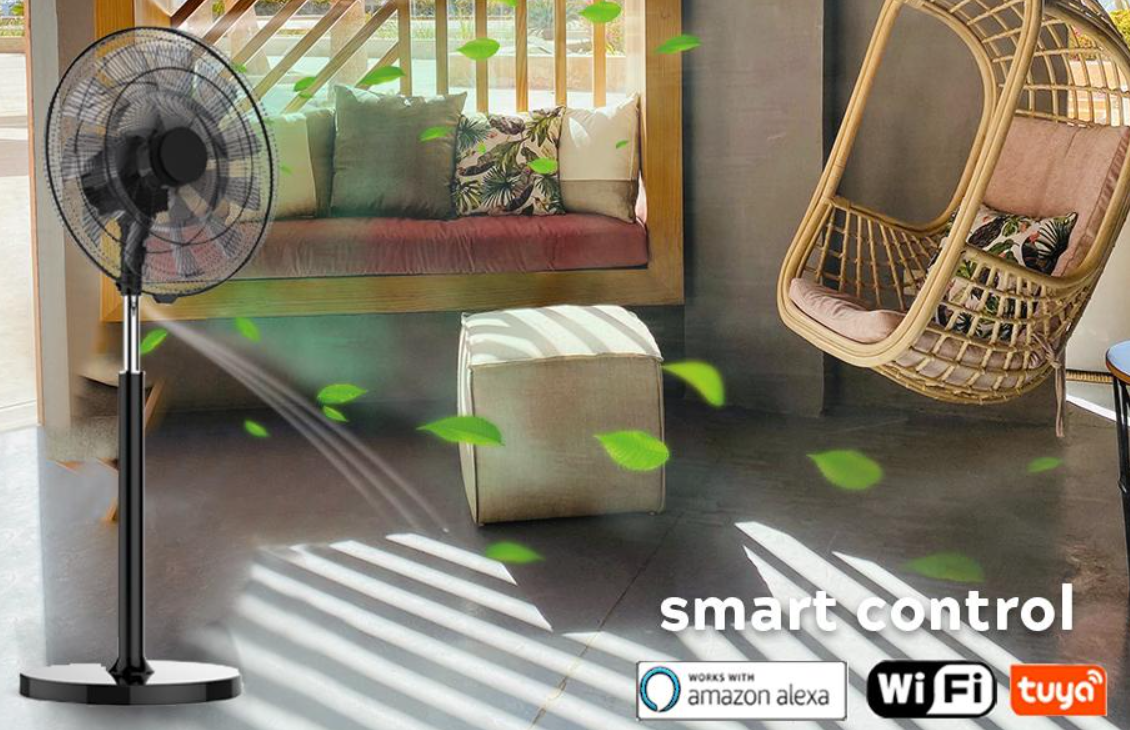
1) Connection method between NAKKA fan and wifi
First, you need to download the Tuya app. After downloading the Tuya app, proceed to log in.
Then, put the fan into WiFi pairing mode. Take out the fan remote control, press the "ON" button on the remote control twice quickly, and then press and hold the "ON" button until you hear the fan emit a regular "beep, beep, beep" sound. This indicates that the fan has entered pairing mode. Next, open the Tuya app, and the phone will automatically search for the fan. Follow the instructions on the app to complete the pairing process.
3. NAKKA fans can be controlled by voice through smart speakers
After connecting the fan equipped with a WiFi module to a smart app, we can also achieve voice control if we have a corresponding smart app speaker. Currently, our fan has passed voice tests on Alexa and Google Home. These smart experiences truly free your hands and enable genuine intelligent operation.
Nowadays, people are having high demand on the intelligent home device. Why NAKKA BLDC electric fan could achieve intelligent control. That is because NAKKA running the smart PCB board for the fans. Our PCB board is with a lot of electronics, each electronics influence each function of the fans. We place the wifi module on the pcb board, which becomes a fan with wifi function. At the same time, RF remote control could work with wifi at the same time.
NAKKA electric smart fan with smart control PCB could bring different function for the fan. We accept OEM and ODM orders. You just need to bring your demand to us, we could design the fan as you want. Nowadays, NAKKA fan could with sleep mode, natural mode, 9 hour timer setting, differentiate fan speed. Moreover, other function for the fan: memory function, speed on function. Memory function means when you turn on the fan, it will stay at the same mode as last time you turn off the fan. High speed function means when we turn on the fans, it will be on the highest speed and on the oscillation.
If you have any questions on the NAKKA BLDC fan function, please contact us by email or whatsapp, or leave the comments on our official website. We have different social midea platform which all named "NAKKA ENVIRONMENTAL APPLIANCE TECHNOLOGY TECHNOLOGY CO., LTD". Searching this name in google, leave any of your questions, we are glad to help provide more information or any products video shown, to let you know our product usage and other functions.
