

Products

Featured products

  • 90W Black 18 Inch Pedestal Fan with Remote Control
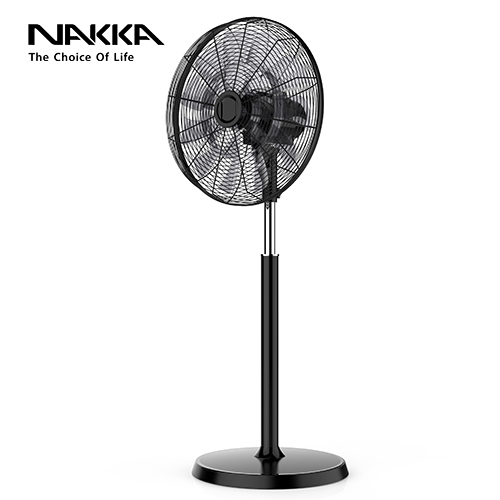
    90W Black 18 Inch Pedestal Fan with Remote Control
    This product is 18 inch pedestal fan with dc motor and remote control. The color is black.
    More
  • 90W Remote Control Wall Hanging Fan
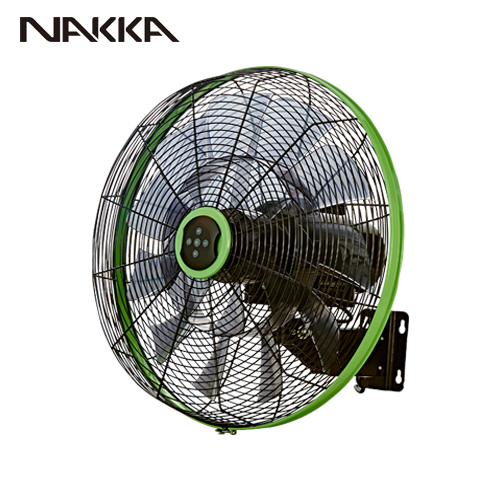
    90W Remote Control Wall Hanging Fan
    90W Remote Control Wall Hanging Fan using advanced BLDC motor is energy saving, low noise, durable, and smart control, especially suitable for office or home and other scenarios use. The fan has three smart modes: 9 hours timer setting, natural wind, sleep wind mode and 6 speed settings to meet your various usage needs. The design of 18 fan blades makes the wind cut more uniform, the air output softer, providing a more comfortable body feeling, and the air supply range wider. The angle of the fan head is up to 90 degrees from left to right and up to 35 degrees from top to bottom.
    More
  • WiFi Smart Control Oscillating Floor Fan
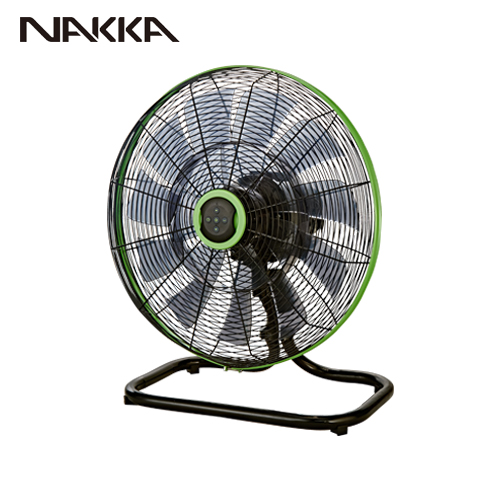
    WiFi Smart Control Oscillating Floor Fan
    This model is wifi control 18 inch commercial floor fan with 6 wind speed settings, natural wind mode, sleeping mode and 9 hours timer. A variety of functions to meet your needs in different scenarios. It supports to work with Google Assistance and Amazon Alexa, which belongs to voice control. It can be operated by a smart phone by installing the smart life application. It also supports with RF remote control.
    More
  • Quiet Air Wall Fan with Voice Control
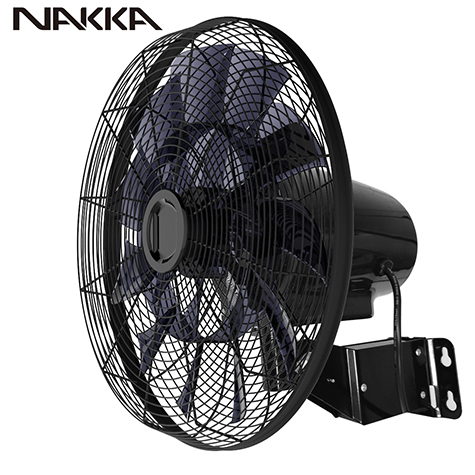
    Quiet Air Wall Fan with Voice Control
    (Model: FW45-DC17ARL-W) Quiet Air Wall Fan with Voice Control is a Wi-Fi Control 18 inch wall hanging fan. This model supports voice control, which can work with Amazon Alexa and Google Assistance. Only by your smart phone or smart device can operate the fans placed at your home or business place so that to create a smart home environment for you!
    More

Contact us

How to pair NAKKA WIFI Fan with Tuya

2022-05-24

NAKKA focuses on making smart home appliances. Our smart fan can be controlled via wifi and can be used on smart home apps like Tuya, Amazon Alexa, Google Home, and etc. In the following part, let's take a look at how fans pair with the Tuya App.


1. Downloading the App

Download Tuya App. You can also go to the app store and major Android application markets to search for "Tuya smart " to download.


2. Install the App

Open "Tuya Smart", if you are a new user, tap "create new account" and follow the prompts to complete account setup.

Note: You must agree with the Privacy Policy to be able to use the App. If you already have an existing account, just tap login to account and enter your login details to continue.


3. Add Device

Tap "Add Manually"- "Small Home appliance"- "Fan". Then tap "Comfirm indicator rapidly blink"


4. Preparing your device

4.1 Connect the fan with power. Press the function button “feel”on the fan unit third times then press and hold it for the fourth time, unit a beeping sound is heard.

4.2 Enter Wi-Fi Password. Enter the Wi-Fi name and password and tap confirm to proceed. The “Tuya Smart App” will start to scan and connect the device. It takes some time to complete. Once the paring process is completed, a page showing “Device added successfully”

4.3 Change the device name to an English name that is easy to recognize, (such as bedroom stand fan )

4.4 Tap “done”, then you are now able to control your smart device from your mobile device remotely


The whole pairing is completed. 


Function on the Tuya Smart app are the same as that of the corresponding keys on the control panel.


Fan with wifi is convenient for us to use. Smart home appliance is the tendency right now. Don't wait to contact us to know the smart function! 

Contact us

top